Tag: Layout

  • Section Loader Supreme

    Section Loader Supreme

    $25.00
    Import the same content throughout your website by loading a single section into multiple places.

    Section Loader Supreme thumbnail

    Drastically improve your website maintenance and efficiency by using one section as a master element that can be loaded onto multiple pages. This is the ultimate tool for consistent calls-to-action, standardized footers, or shared subscription forms, ensuring that when you edit the master section, all instances on your site update automatically.

    Get This Product

  • Expanding Panels

    Expanding Panels

    $25.00
    Showcase your projects, portfolio or service categories in an interactive and engaging way.

    Expanding Panels thumbnail

    Present content in a highly visual and interactive expanding panel design, perfect for dynamic portfolio showcases, featured services, or team member bios. When a user clicks, the panel expands smoothly to reveal more detailed information, creating a sophisticated and engaging interaction that saves space and draws attention.

    Get This Product

  • Pinned Page Nav Bar

    Pinned Page Nav Bar

    $25.00
    Easily navigate throughout a page with this pinned page nav bar. Outline your page content for easy navigation.

    Pinned Page Nav Bar thumbnail

    For content-heavy or long-scrolling pages, the Pinned Page Nav Bar provides a sticky, internal table of contents that stays visible as the user scrolls. This significantly improves navigation and user experience on landing pages or long-form blog posts by allowing users to instantly jump to relevant sections without needing to scroll back up.

    Get This Product

  • Pocket View Tabs

    Pocket View Tabs

    $25.00
    Transform List Sections into an elegant Tab Component.

    Pocket View Tabs thumbnail

    Convert long, scrollable List Sections into compact, organized, and elegant tab components using the Pocket View Tabs plugin. This solution is ideal for tidying up pages with a lot of content, such as FAQs, services, or product features, presenting information in a clean, space-saving tabbed interface. Maximize screen real estate and improve content hierarchy with this versatile layout tool.

    Get This Product

  • Vertical Accordion

    Vertical Accordion

    $25.00
    Create a stylish Vertical Accordion Layout that pulls content from a Portfolio or Blog Collection.

    Vertical Accordion thumbnail

    Showcase collection items (like portfolio pieces or blog posts) in a unique and stylish vertical accordion layout. Instead of a traditional grid, this design allows users to click to expand and view details, creating an engaging and compact way to display multiple projects or services while saving significant vertical space on the page.

    Get This Product

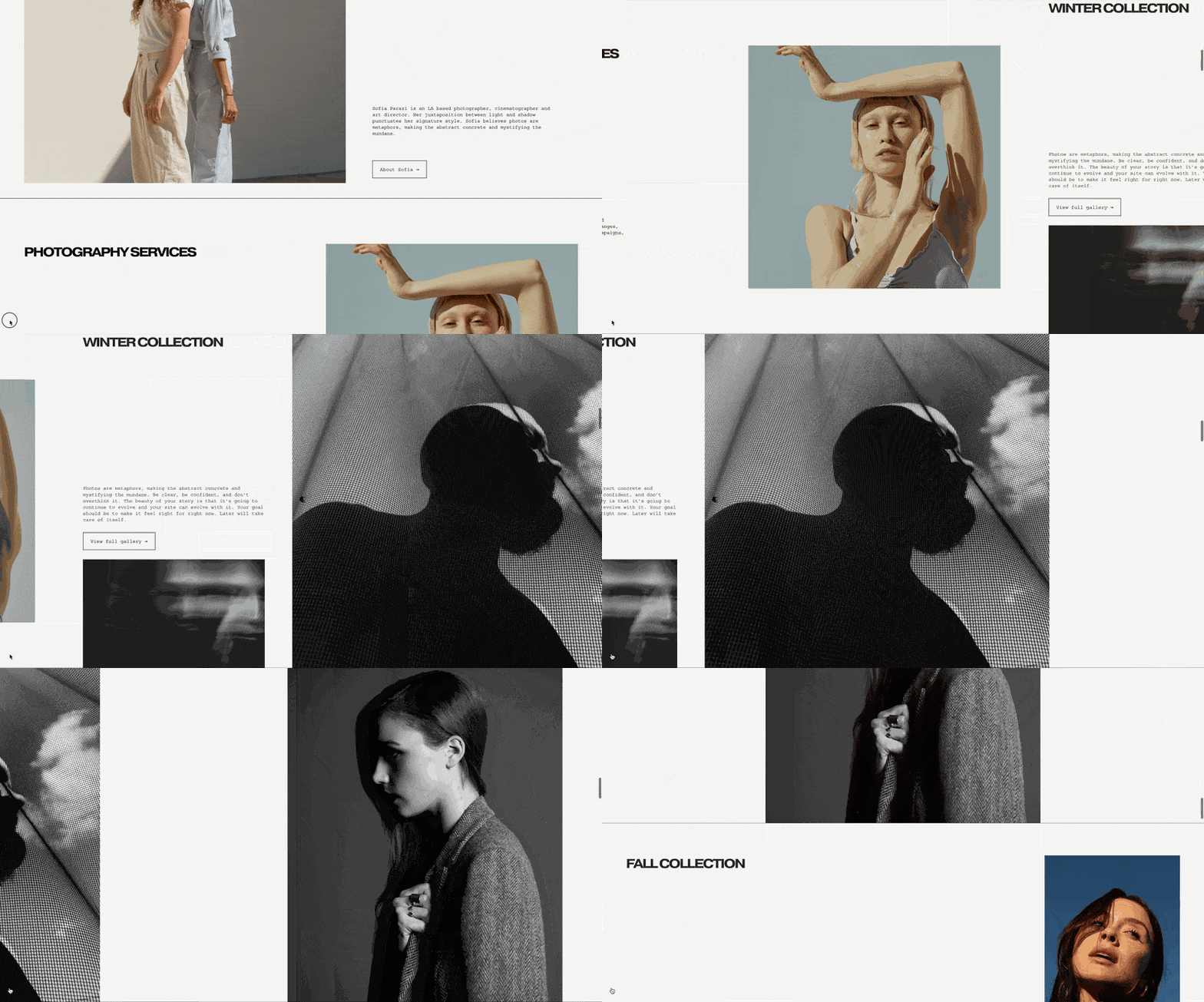
  • Horizontal Scrolling Sections

    Horizontal Scrolling Sections

    $25.00
    Select sections to horizontally scroll on your website.

    Horizontal Scrolling Sections thumbnail

    Introduce a dynamic and engaging user experience by allowing select Squarespace sections to scroll horizontally instead of vertically. This modern scroll effect is ideal for showcasing portfolios, timelines, or product lines in a visually impactful way, breaking the traditional vertical flow of a website. Give your visitors a memorable, interactive browsing experience that stands out from standard Squarespace sites.

    Get This Product

  • Tabs Pro

    Tabs Pro

    $25.00
    Add a beautiful tabs component to your Squarespace website that's easy to edit and fun to customize.

    Tabs Pro thumbnail

    Implement a highly versatile, block-based tab component anywhere on your Squarespace page. Tabs Pro allows you to organize vast amounts of content—including images, forms, and galleries—into a sleek, interactive tabbed interface. It’s the ultimate solution for conserving vertical space and providing a clean content experience for your users.

    Get This Product

  • [Course] Build Grid Page Layouts in Squarespace

    [Course] Build Grid Page Layouts in Squarespace

    $50.00
    A comprehensive course detailing how to build advanced, responsive grid layouts on Squarespace.

    [Course] Build Grid Page Layouts in Squarespace thumbnail

    Master modern web design with this in-depth course focused on creating responsive, multi-column grid layouts within the Squarespace platform. Learn the underlying CSS and best practices to move beyond standard section layouts and craft truly custom, professional-grade page structures. Perfect for designers looking to elevate their portfolio with complex, grid-based designs that maintain fluidity across all devices.

    Get This Product

  • Vertical Timeline

    Vertical Timeline thumbnail

    Present company history, project stages, or educational curricula with an elegant and responsive vertical timeline. This visually engaging component turns simple text lists into a sophisticated, easy-to-digest chronological display, significantly enhancing the presentation of sequential information on any Squarespace page.

    Get This Product

  • Desktop Hamburger Menu (Drop Down)

    Desktop Hamburger Menu (Drop Down) thumbnail

    Implement a clean, compact navigation solution on desktop by using a simple drop-down menu accessed via a hamburger icon. This minimal approach keeps the header pristine and is ideal for sites where content or hero imagery is the primary focus.

    Get This Product