Add a futuristic, eye-catching “hologram” or “glitch” animation to your headlines. This text effect is perfect for tech-focused brands, creative portfolios, or any site wanting to add a touch of modern, edgy, and dynamic visual flair to its typography.
Author: miles
-
Dark Mode Dot Theme Switcher
Implement a sleek, minimalist dark mode toggle using a simple, elegant “dot” icon. This plugin allows users to effortlessly switch between your site’s light and dark themes, providing a modern accessibility feature that integrates perfectly with clean designs.
-
Autoplay Video Hover

Instantly bring your video grids and portfolio items to life with this autoplay hover effect. This plugin makes videos automatically play on mute when a user mouses over them, creating a dynamic, engaging, and modern browsing experience similar to top streaming platforms.
-
Page Transition

Add a simple, professional touch to your website with a clean fade-in/fade-out page transition. This plugin eliminates the harsh “jump cut” between pages, making your site feel smoother, more responsive, and more sophisticated.
-
Banner Page Transition
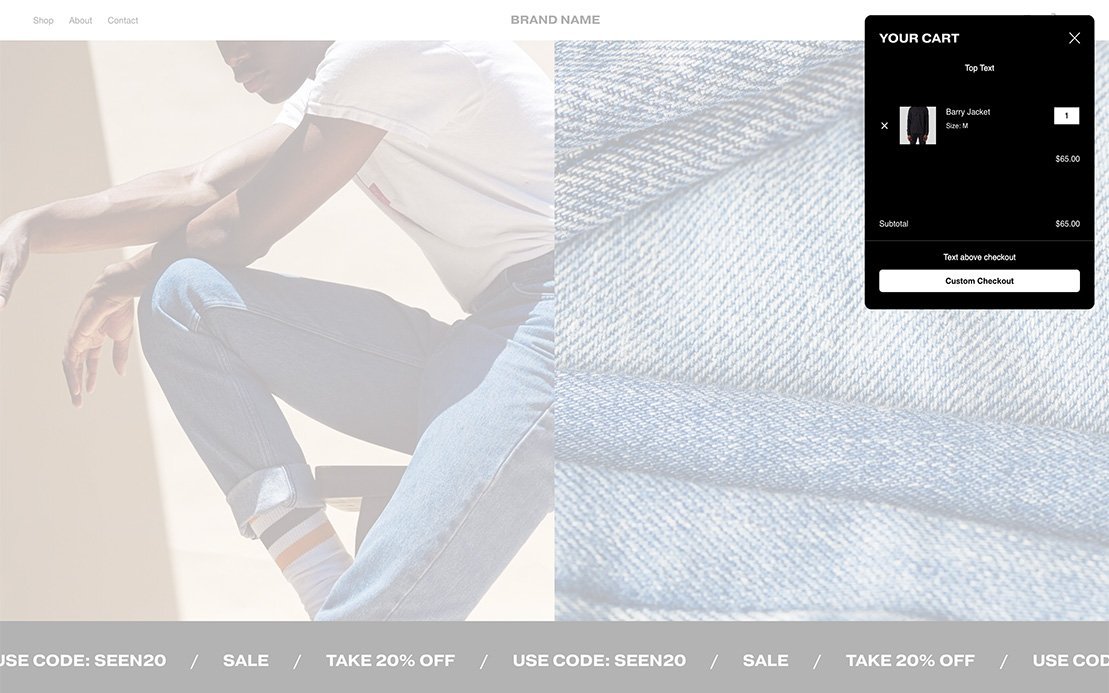
Create a seamless, high-end browsing experience with the Banner Page Transition. This plugin uses the next page’s banner image to create a smooth, “wipe” or “reveal” animation, elegantly transitioning from one page to the next while providing a dynamic content preview.
-
Desktop Mobile Menu

Achieve a clean, minimalist design by replacing your standard desktop navigation with the simple Squarespace mobile hamburger menu icon. This is a popular choice for artists, photographers, and creative agencies who want to prioritize their visual content over a cluttered header.
-
Portfolio Page Pagination

Improve user engagement with your portfolio by adding simple “Next” and “Previous” project links to your individual portfolio pages. This encourages users to binge-watch your work, increasing their time on-site and exposure to your full range of projects.
-
Info Drawer

Keep your page layouts clean by tucking supplemental information into a sleek, slide-out “Info Drawer.” This is perfect for author bios, detailed contact information, or side notes, allowing users to access extra content with a click without cluttering the main page.
-
Tab Message

Recapture user attention and reduce bounce rates by automatically changing the browser tab’s title when a user clicks away. This plugin can display a custom message (e.g., “Don’t Forget!” or “A Gift For You”) to draw the user back to your site.
-
View Portfolio Hover
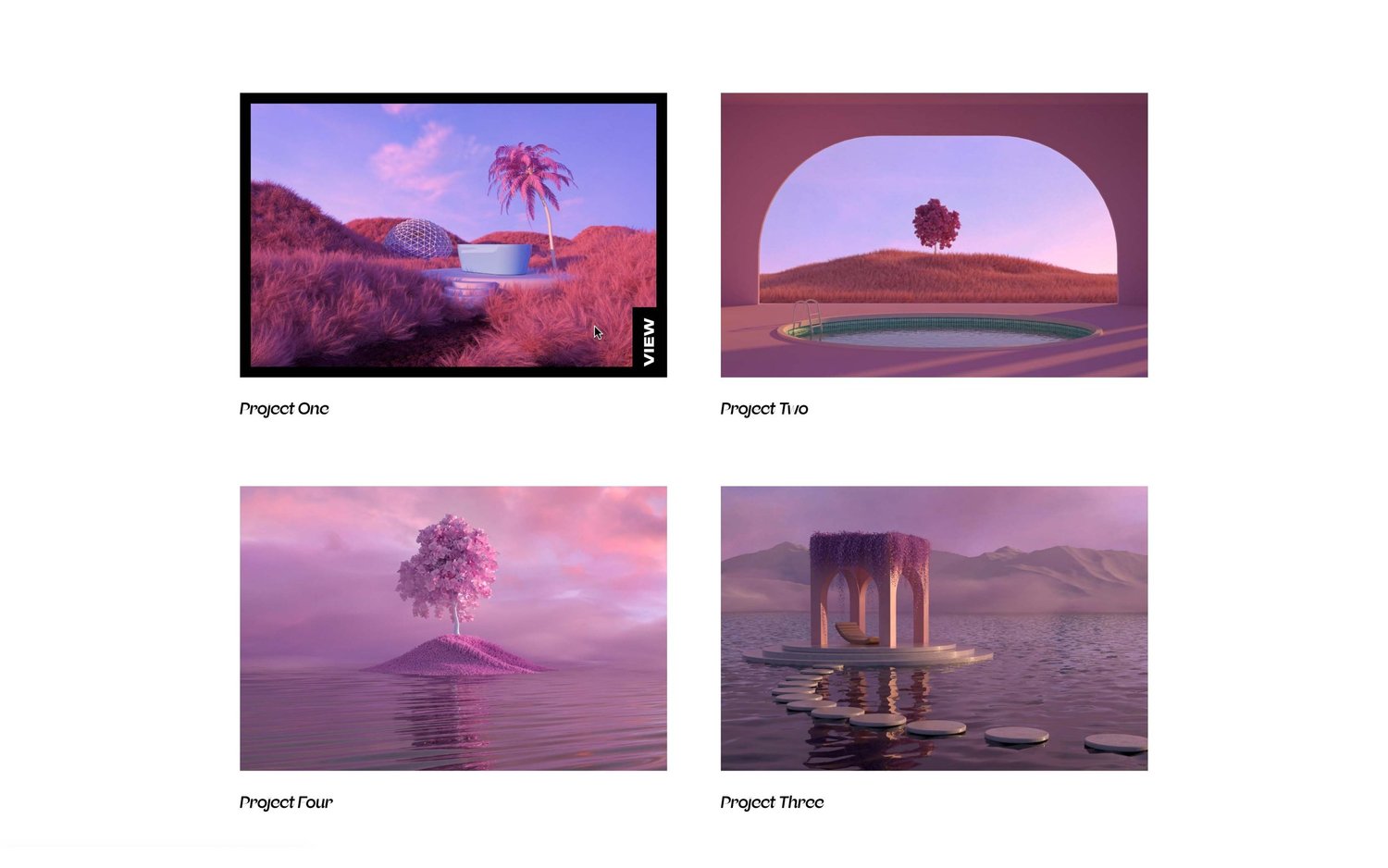
A clean, text-based hover effect for portfolio grids. On mouse-over, a “View Portfolio” or “View Project” title slides or fades into view, providing a clear call-to-action that guides users from your gallery into individual project or case study pages.